DaVinci plug-in · Windows · DaVinci Resolve

Twitch Downloader

Download your Twitch VODs, clips and chat straight into DaVinci Resolve, no browser, no sketchy website, and start editing in seconds.

Coming soon

Twitch Downloader

01

Description

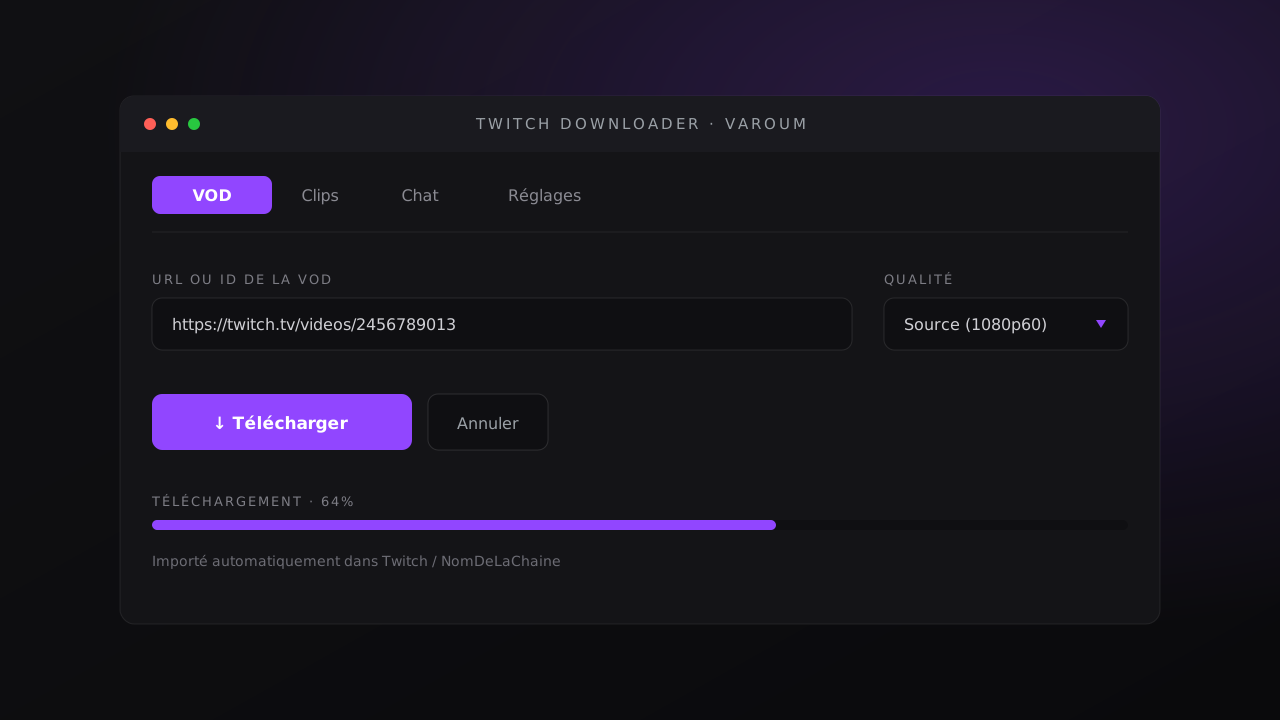
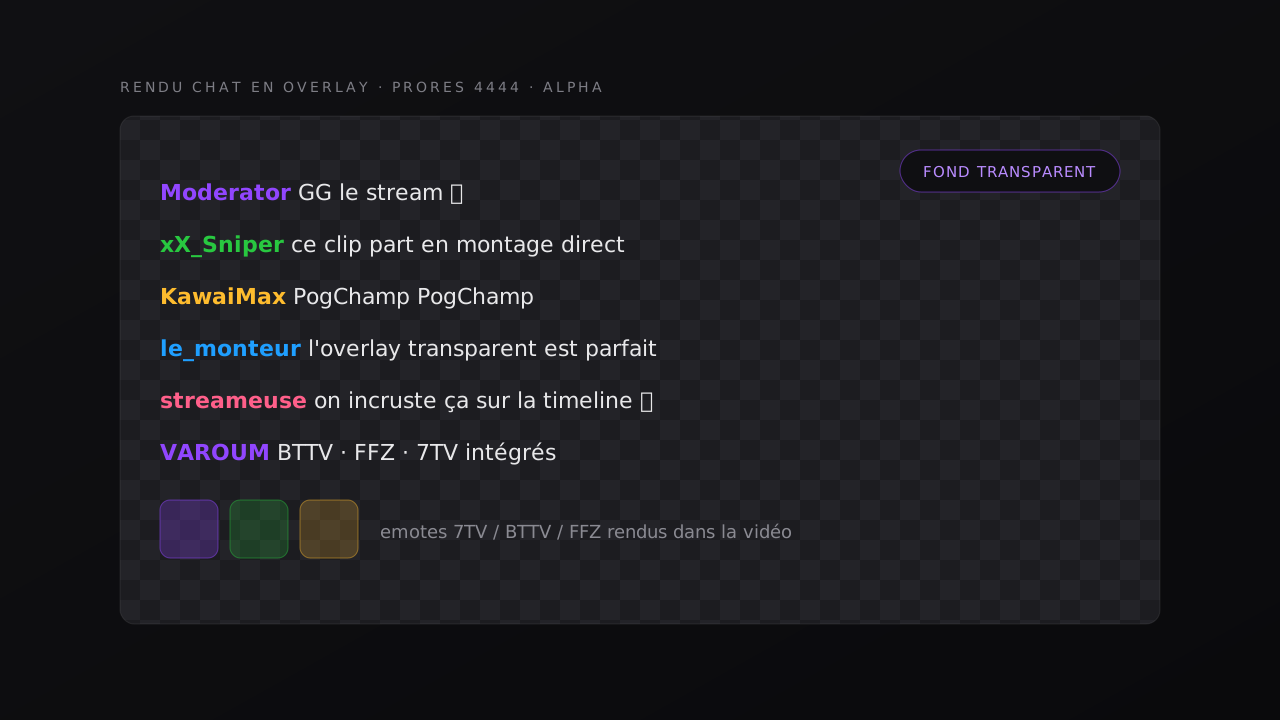
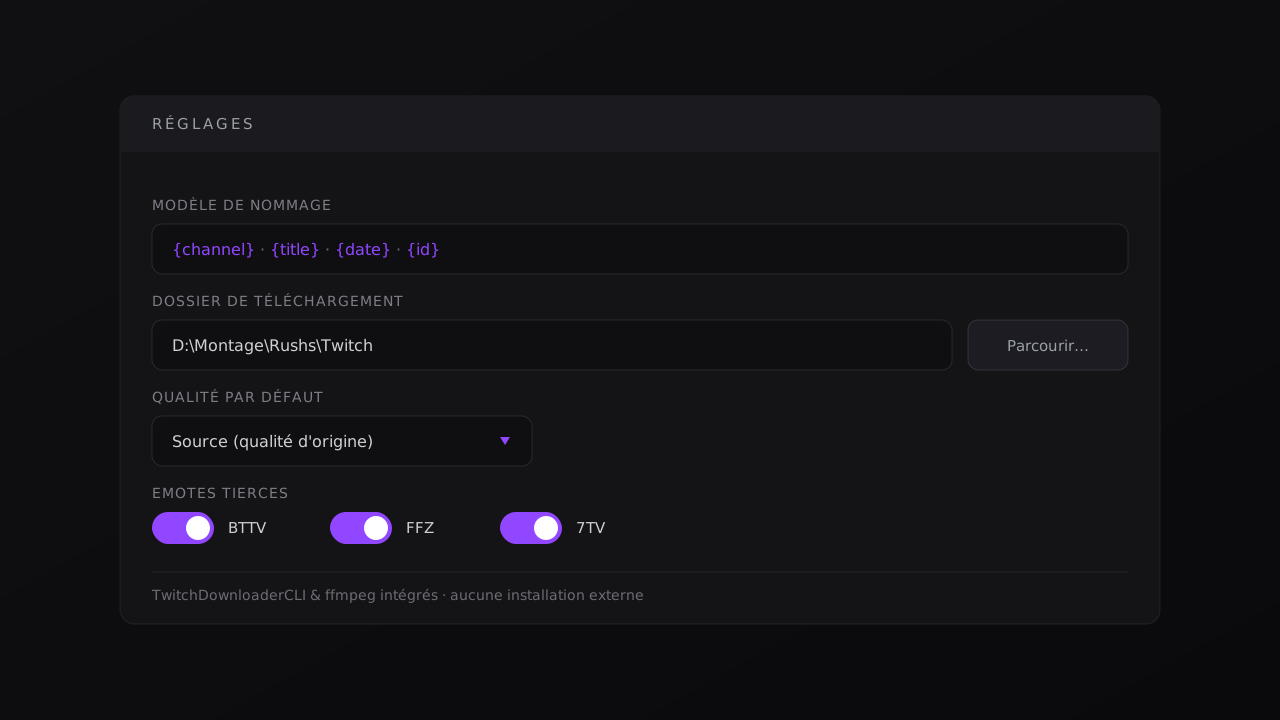
Streamers waste a ridiculous amount of time grabbing their Twitch footage from sketchy websites, re-importing it by hand, and screen-recording their chat. Twitch Downloader does all of it in one click, right inside DaVinci Resolve. Paste a link, pick a quality, download: the file lands automatically in your Media Pool, sorted into a cleanly named bin. The chat? Exported as JSON or rendered as a transparent video overlay (ProRes 4444 with alpha) you drop straight onto your timeline. TwitchDownloaderCLI and ffmpeg are bundled: zero config, install and go.
02

Features

  • VOD downloads: any public replay, from 160p up to Source quality, by URL or ID
  • Clip downloads: by URL or slug, one click, your choice of quality
  • Chat as a transparent video overlay (.mov ProRes 4444, alpha) dropped straight on the timeline
  • Chat export to JSON with BTTV, FFZ and 7TV emotes baked in
  • Adjustable chat render: width, height, font, FPS, background and text color
  • Automatic import into the Media Pool, sorted into a named bin (e.g. Twitch/ChannelName)
  • Real-time progress bar and cancel button
  • TwitchDownloaderCLI and ffmpeg bundled: zero external install

03

What's included

  • Twitch Downloader plug-in for DaVinci Resolve (Windows)
  • Bundled TwitchDownloaderCLI and ffmpeg
  • Installer + install guide (Workspace > Scripts)
  • Personal license tied to your purchase
  • Updates included
  • Support: support@varoum.com

04

Requirements

  • Windows (macOS coming soon)
  • DaVinci Resolve 18, 19 or 20 (both Free and Studio)
  • Internet connection for downloads

Use & responsibility

VAROUM is not affiliated with Twitch or Amazon. Twitch is a trademark of its respective owners.

This tool only accesses content that is publicly available through Twitch.

You are solely responsible for how you use it: only download content you own or are authorized to use, in compliance with Twitch's Terms of Service and applicable copyright law.

VAROUM cannot be held liable for any misuse or infringing use. The plugin is provided "as is".


07

Use cases

01

YouTube edits

Drop straight into your long-form videos without breaking your workflow.

02

Vertical format

Instant 9:16 reframe for TikTok and Shorts, no manual cropping.

03

Streamers

Perfect for pacing VODs and stream highlights.


06

Frequently asked