Fusion preset · DaVinci Resolve

Twitch Box Message

A single Fusion node that reproduces the chat box animations of the biggest streamers in one click.

Twitch Box Message

01

Description

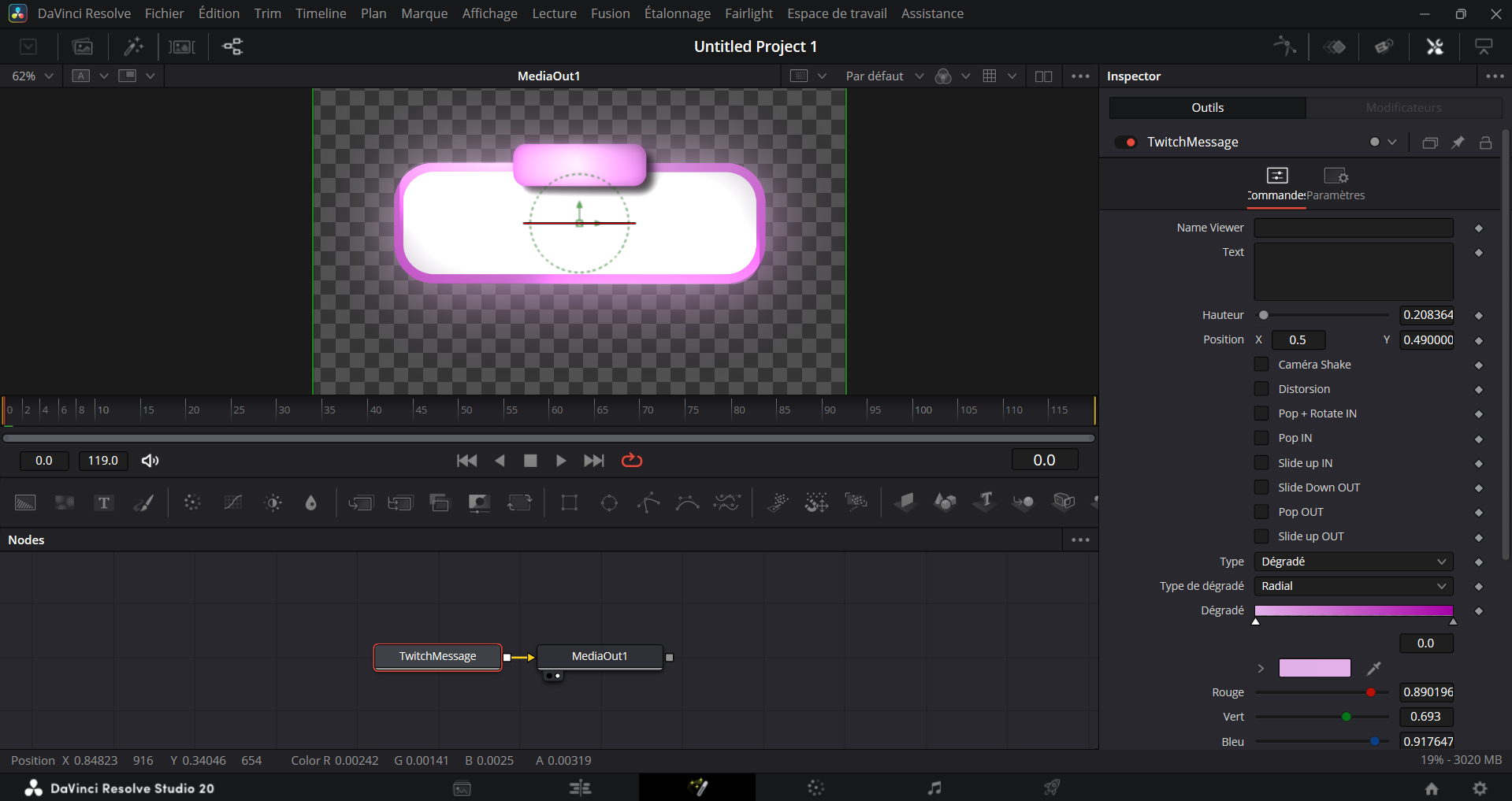
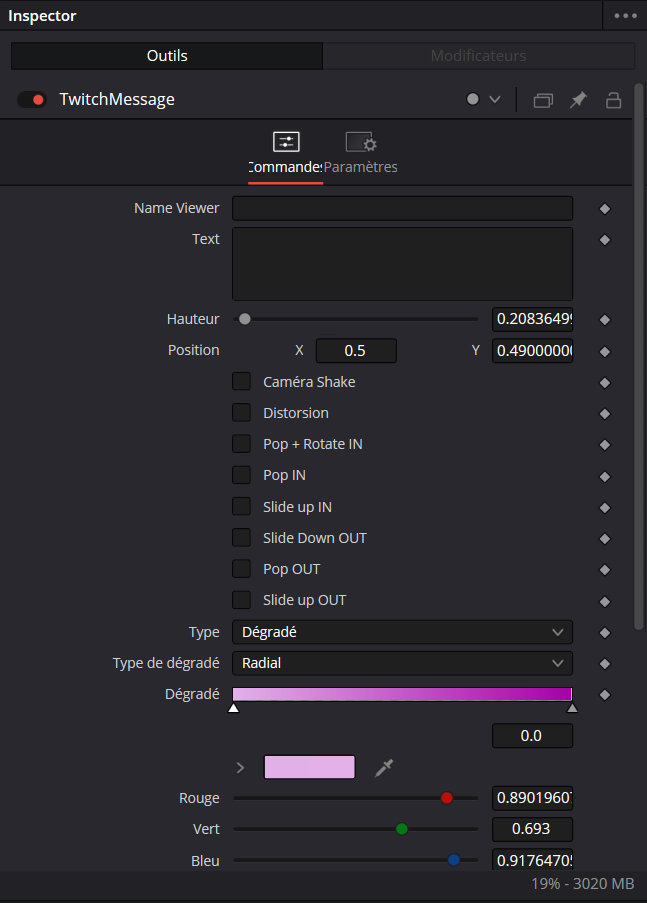
A ready-to-use Fusion preset to drop a Twitch chat box into your videos, identical to the biggest streamers. Everything is exposed in a single node: handle, message, colors, duration, IN/OUT timing. Drag, fill, render. Works in both horizontal and vertical formats (16:9, 9:16).
02

Features

  • Single Fusion node, fully exposed and documented
  • Handle, message and colors fully customizable
  • IN/OUT animation tuned for fast-paced edits
  • Works in 16:9 and 9:16 without distortion
  • Output matches the official Twitch boxes

03

What's included

  • .drfx file (native Fusion preset)
  • Install and usage documentation
  • Personal and commercial license
  • Free lifetime updates

04

Requirements

  • DaVinci Resolve 18.5 or newer (free or Studio)
  • Fusion page enabled (bundled with Resolve)
  • macOS, Windows and Linux compatible

07

Use cases

01

YouTube edits

Drop straight into your long-form videos without breaking your workflow.

02

Vertical format

Instant 9:16 reframe for TikTok and Shorts, no manual cropping.

03

Streamers

Perfect for pacing VODs and stream highlights.


06

Frequently asked